



Device Models allow you to define specific hardware models of PCs, laptops, servers, or specialist devices within OneDeploy.
This is an advanced feature that can help organisations manage deployments more tightly in controlled or locked-down environments.
Viewing Device Models
To view your configured Device Models:
- In the left navigation pane, expand Definitions
- Select Device Models
The current list of Device Models is displayed.
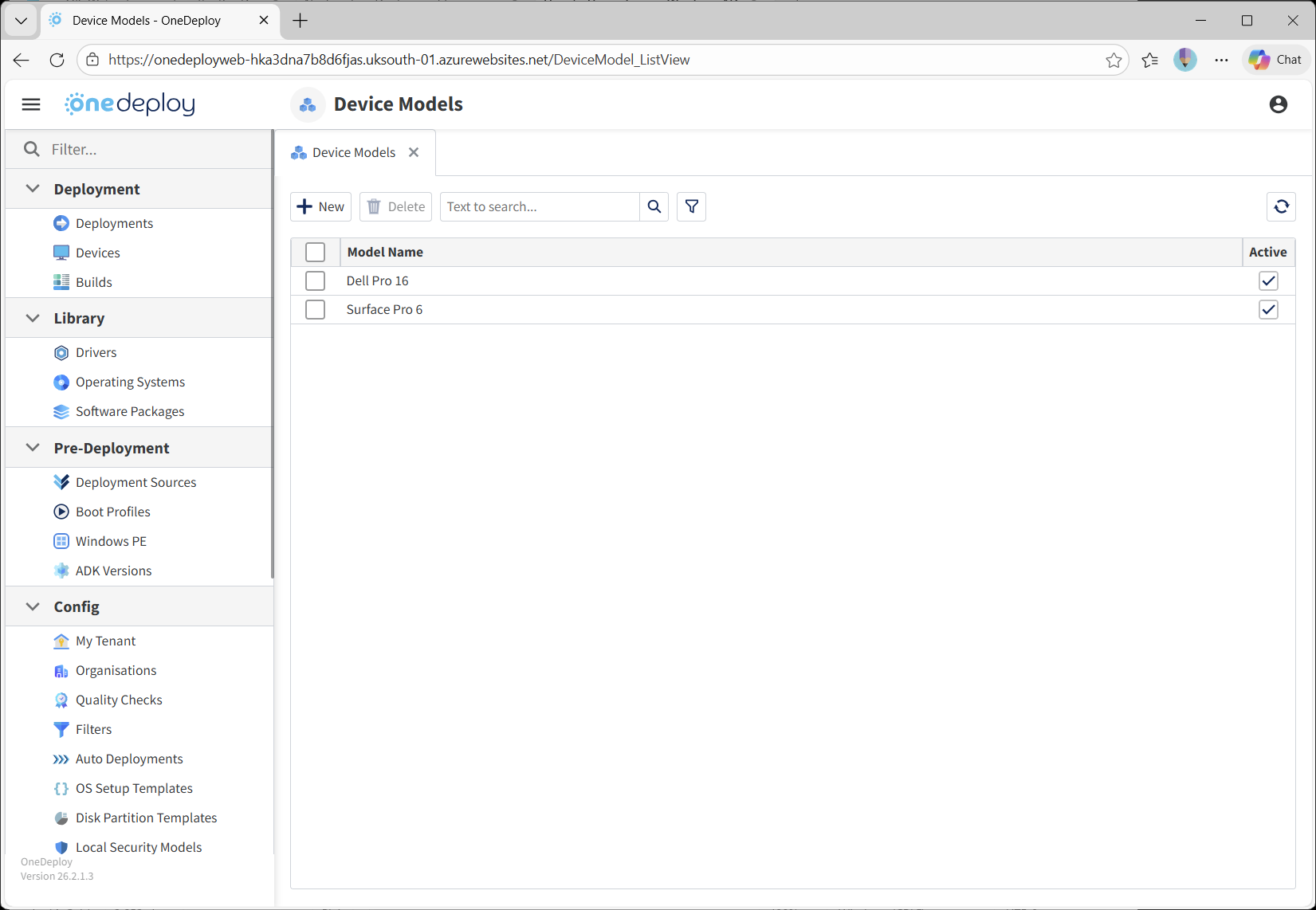
Managing Device Models
From the Device Models list, you can:
Add a New Device Model
- Click New
- Enter the required device model details
- Save your changes
Remove Device Models
- Tick the checkbox next to one or more Device Models in the list
- Click Delete
Example Device Models
Some common examples might include:
- Lenovo ThinkPad T14 Gen 4
- HP ProDesk 600 G6 SFF
- Oracle MICROS Workstation 655X (no customer display)
- Oracle MICROS Workstation 655X (with customer display)
- Dell PowerEdge R750
- HPE ProLiant DL360 Gen11
Do You Need Device Models?
No — you do not need to set up Device Models to create builds or deploy devices.
OneDeploy is designed around a “One Build, Many Devices” approach by default.
Device Models are intended for more advanced scenarios.
Why Use Device Models?
Defining Device Models can be useful when you want tighter control over what hardware can receive specific builds.
By setting up Device Models, you can:
- Lock down a build so it can only be installed on approved hardware models
- Automatically detect a computer’s role during deployment based on its model type
- Support automated build selection by auto selecting a role based on hardware type when using Matrix Mode
Example Use Cases
You may have a Point of Sale (POS) build that should only be installed on certified POS hardware.
You wouldn’t want that build deployed onto a standard office desktop or laptop.
With Device Models, you can ensure only the correct hardware can receive that build.
Advanced Automation Example (Same Site, Different Roles)
Device Models can also enable smarter automation when combined with Matrix Mode.
For example:
-
At the same physical location, you may deploy different types of machines:
- A Dell PowerEdge R750 intended to be an on-site server
- A HP ProDesk 600 G6 SFF intended to be a manager workstation
By using the hardware model as the identifier, OneDeploy can automatically select the correct build:
- If the device model is Dell PowerEdge R750, deploy the build “On-site Server”
- If the device model is HP ProDesk 600 G6 SFF, deploy the build “Windows 11 Manager Workstation”
This reduces manual selection and helps ensure the right systems are deployed in the right role every time.
Preventing Unapproved Hardware
Device Models can also help prevent rogue or unauthorised devices from being deployed.
If your Organisation defines a mandated list of approved models, any device that does not match one of the configured Device Models can be blocked from being built using OneDeploy.
Common Questions
Do I need Device Models for standard deployments?
No. Most organisations can deploy successfully without configuring Device Models.
What is the main benefit of Device Models?
They provide tighter control over which builds can be installed on which hardware, especially in secure or regulated environments.
Can Device Models be used for automation?
Yes — Device Models can be used as identifiers for automated build selection when using Matrix Mode.
Related Articles
- Builds
- Automated Builds (Matrix Mode)
- Vendors